Ir al contenido
PDF

Smart buttons del pedido

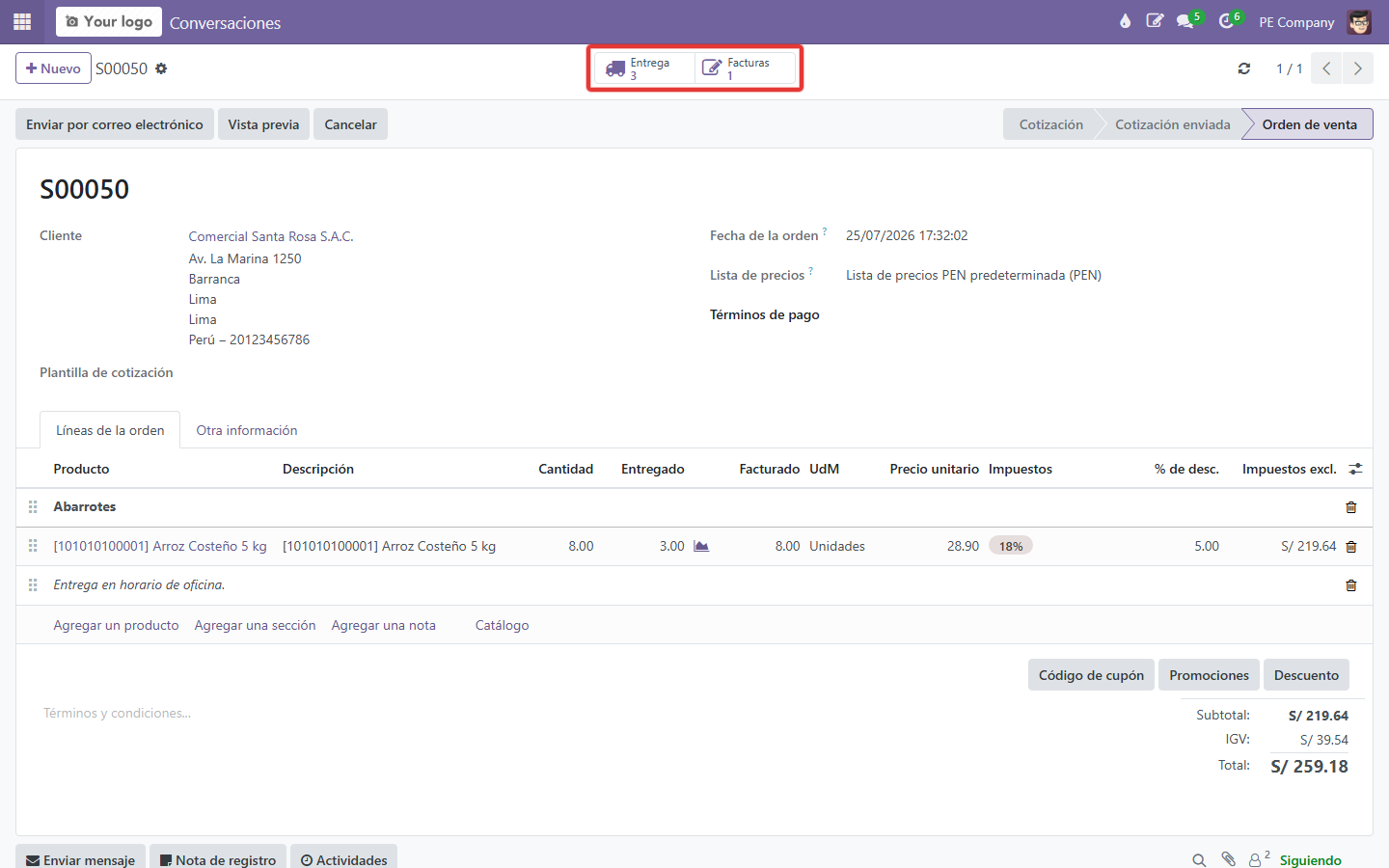
  1. En un pedido confirmado, localiza la caja de smart buttons sobre el formulario.

    Smart buttons (referencia)
    Smart buttons (referencia)
  2. Identifica cada botón (Entrega, Factura, etc.).

    Caja de smart buttons
    Caja de smart buttons
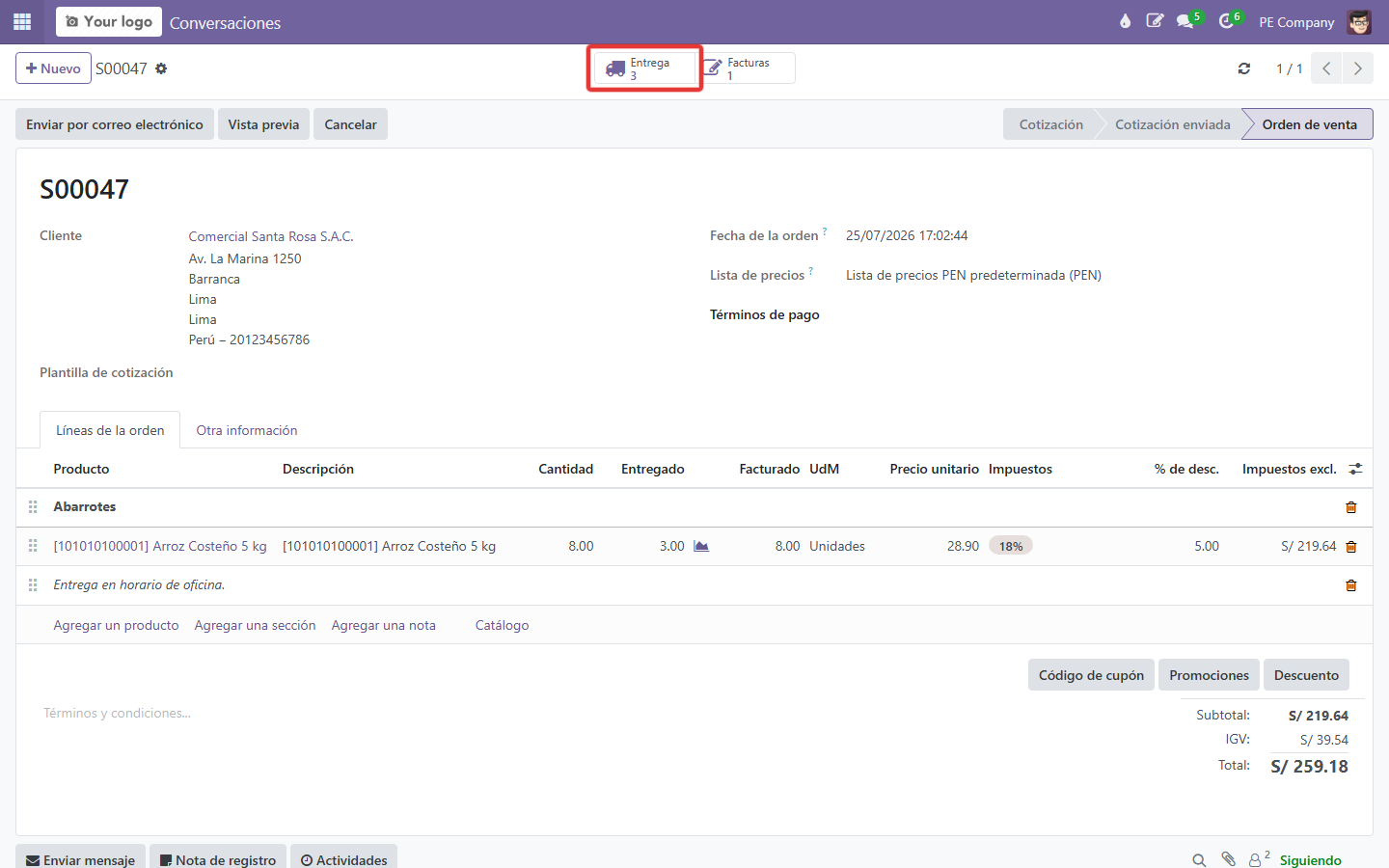
  3. Haz clic en Entrega para saltar a la operación de inventario.
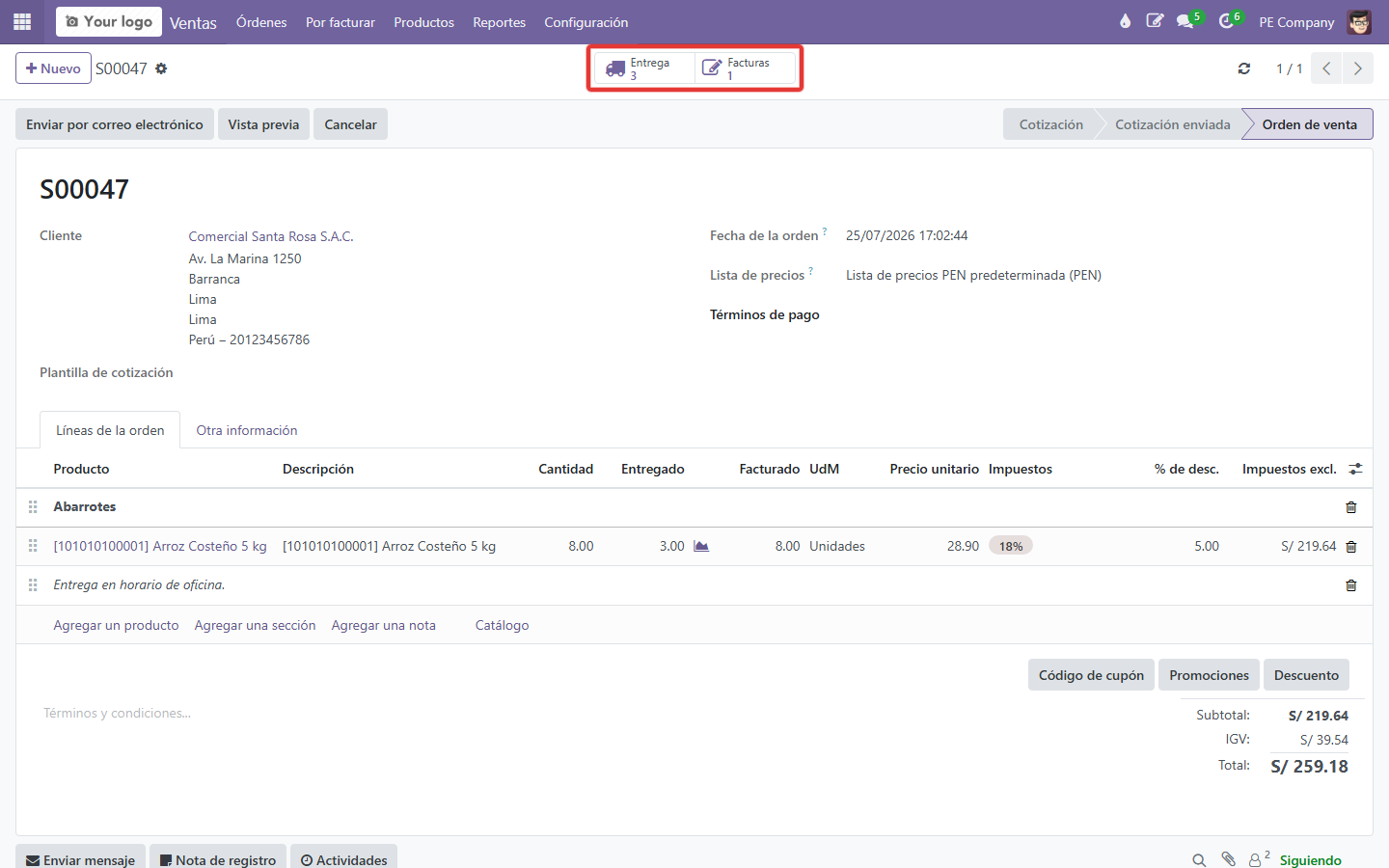
    Smart button Entrega
    Smart button Entrega